
Description
RELIVE YOUR WEDDING MEMORIES
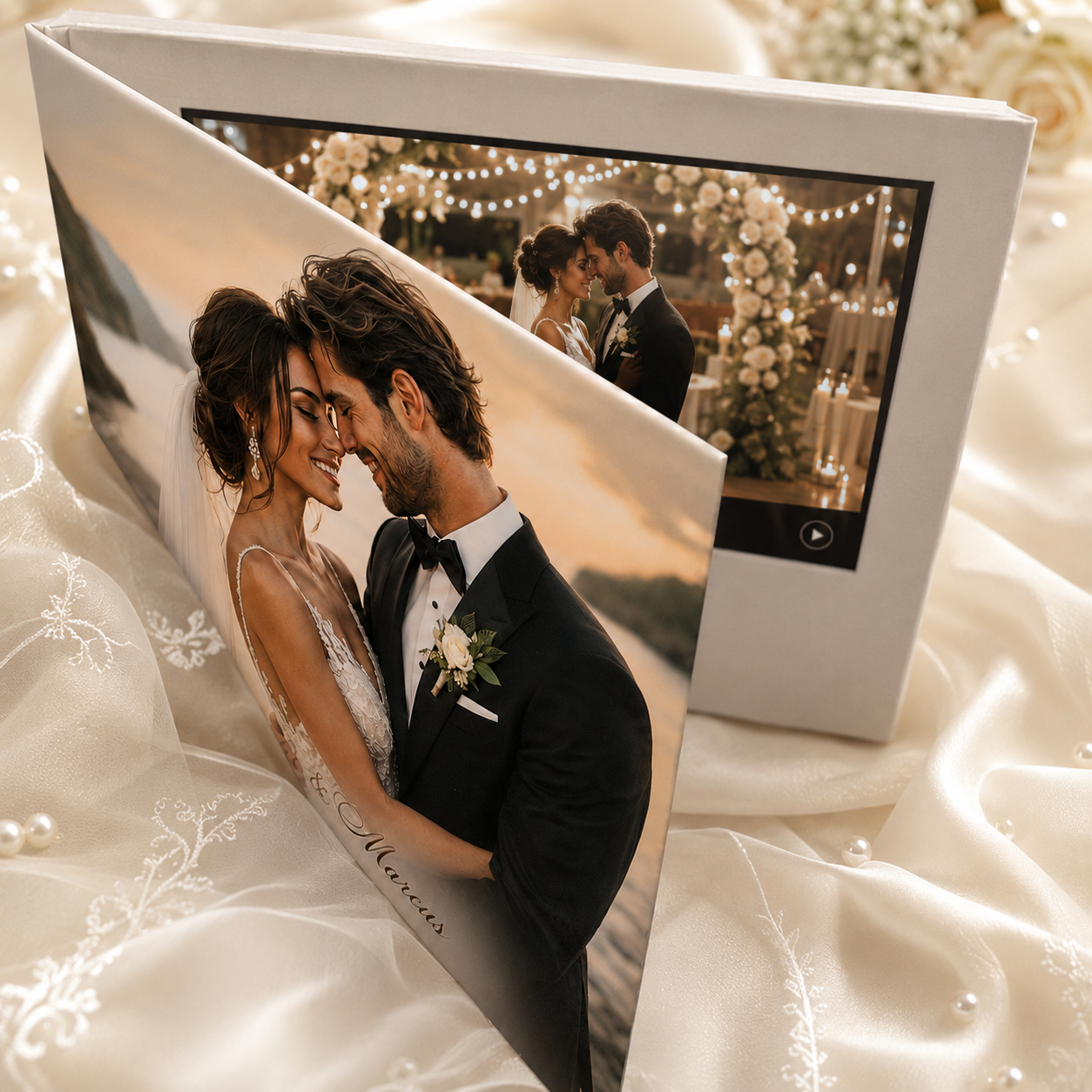
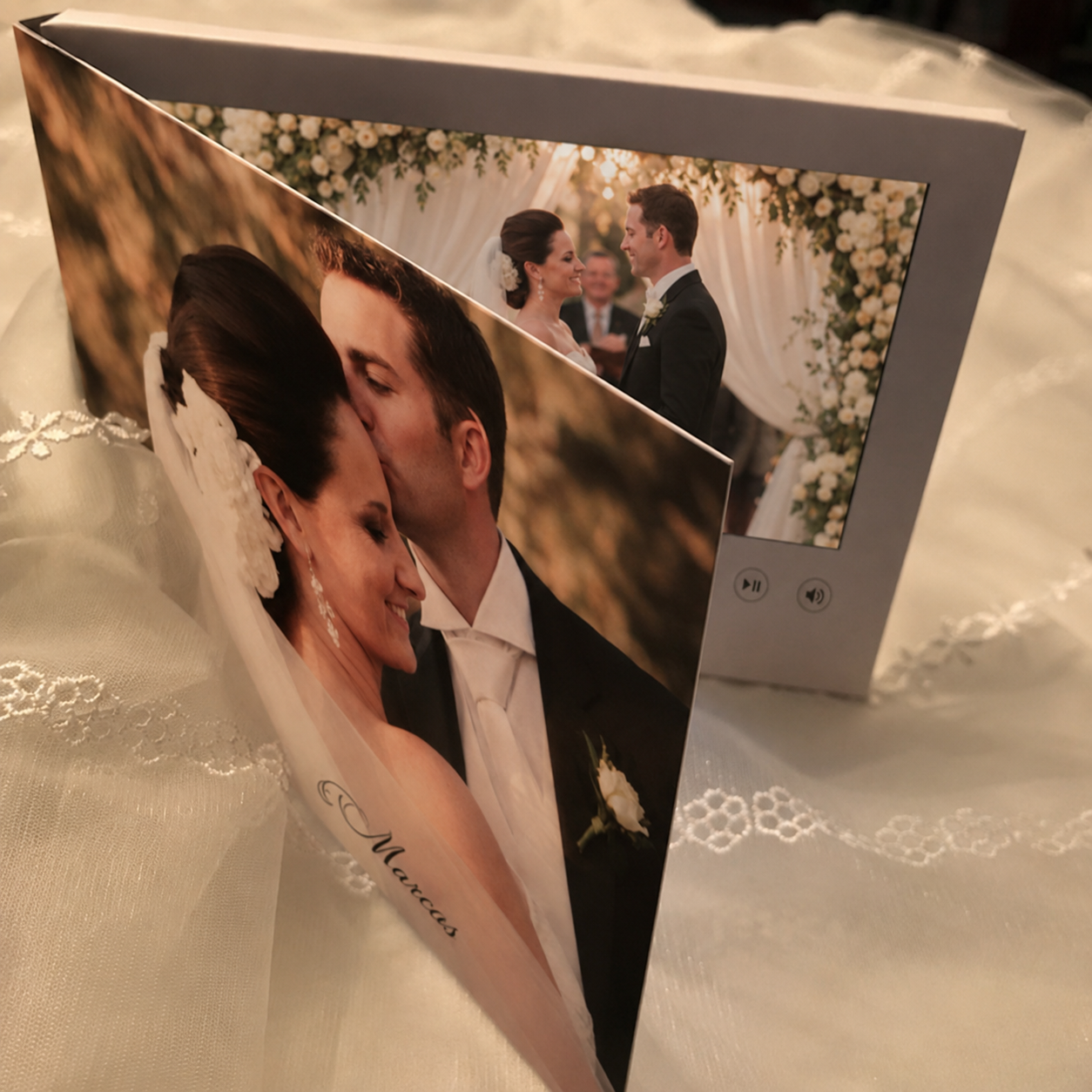
Preserve the story of your wedding in a personalized video book that brings your ceremony, first dance, wedding film and favorite social media videos to life.
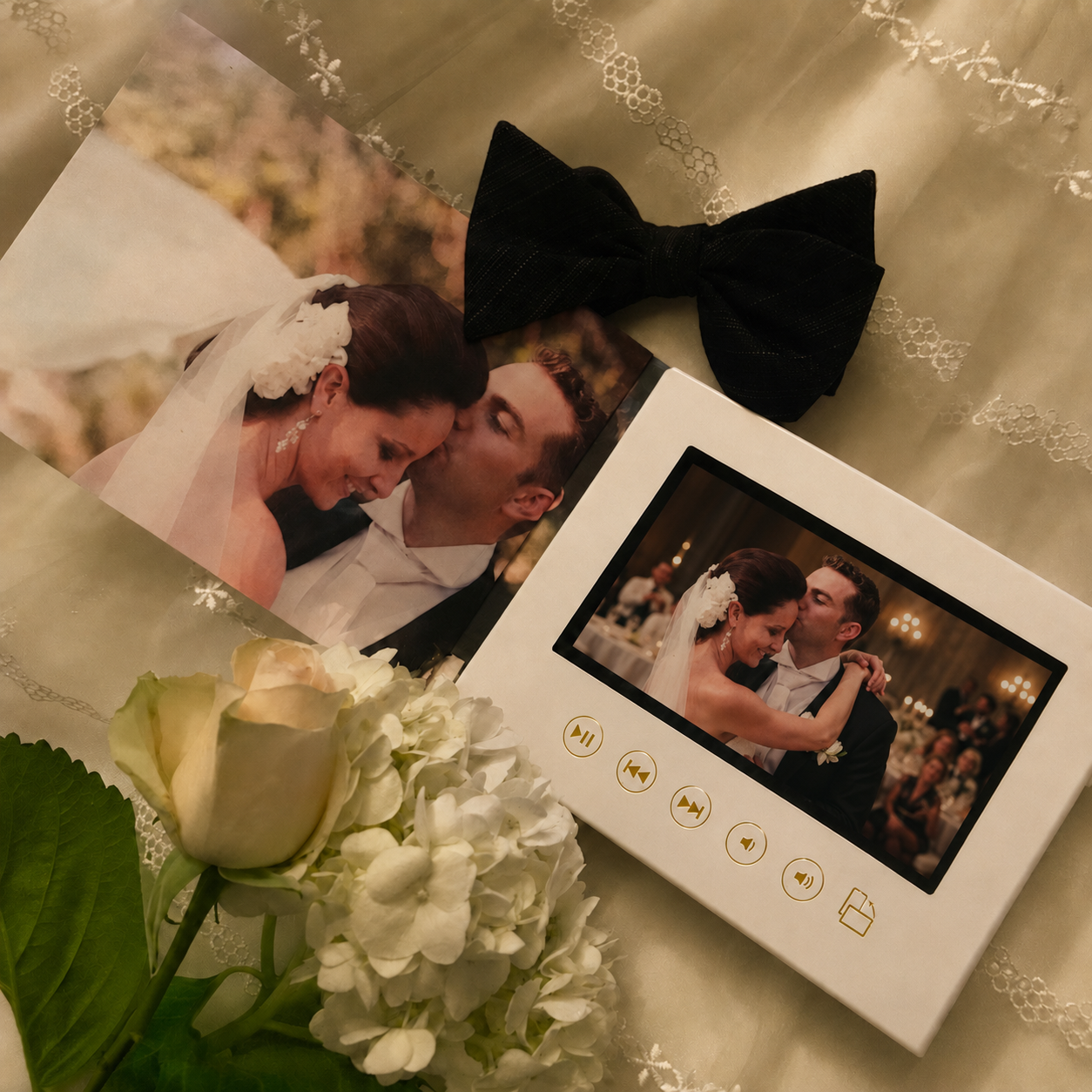
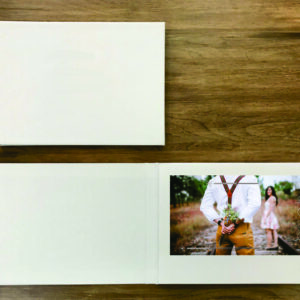
This white A5 video book features a 7-inch HD IPS screen, 512MB of internal memory and seven elegant gold-foil control buttons. The dedicated rotation button changes the screen orientation so horizontal wedding videos and vertical 9:16 Instagram Reels can be viewed properly.
The video begins playing automatically when the book is opened, creating a beautiful keepsake for newlyweds, anniversaries, parents and wedding videography clients.
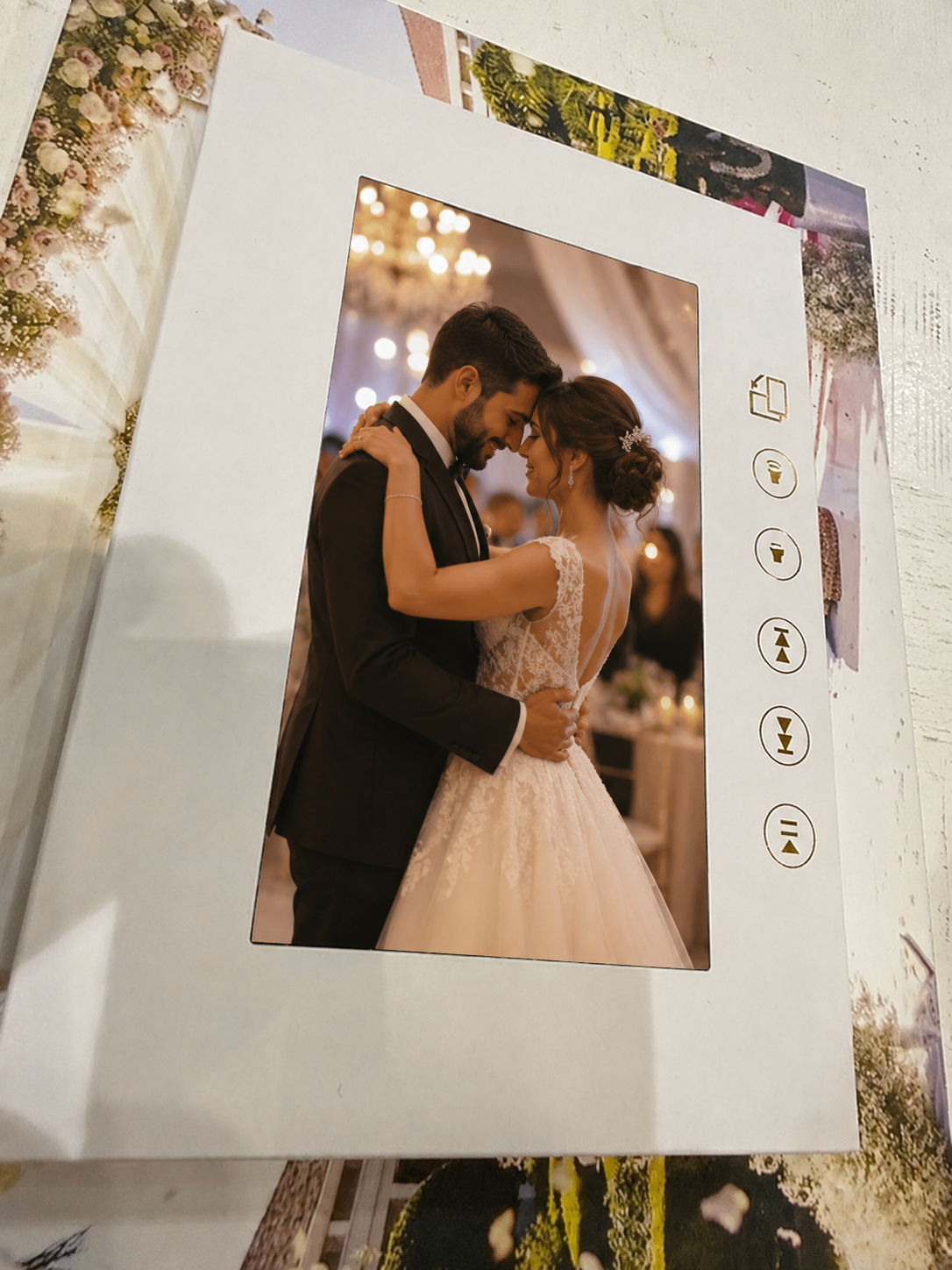
ROTATION MODE FOR VERTICAL REELS
Press the dedicated rotation button to change the screen orientation for vertical 9:16 content.
Rotation Mode is ideal for:
• Instagram Reels
• Vertical wedding highlights
• Smartphone videos
• Proposal videos
• Bridal preparation clips
• First-dance videos
• Social media memories
Press the rotation button again to return to traditional horizontal playback.
The screen remains securely built into the video book. The button rotates the content displayed on the screen. It does not physically rotate the screen.
PRODUCT DETAILS
• 7-inch HD IPS screen
• 512MB of internal memory
• A5 size
• White video book
• No printed or customized cover included
• Seven gold-foil control buttons
• Dedicated rotation button
• Horizontal and vertical video playback
• Automatically begins playing when opened
• Built-in speaker
• Rechargeable battery
• USB cable for charging and loading files
• Reusable memory
• Videos can be added, removed or replaced
SEVEN GOLD-FOIL CONTROLS
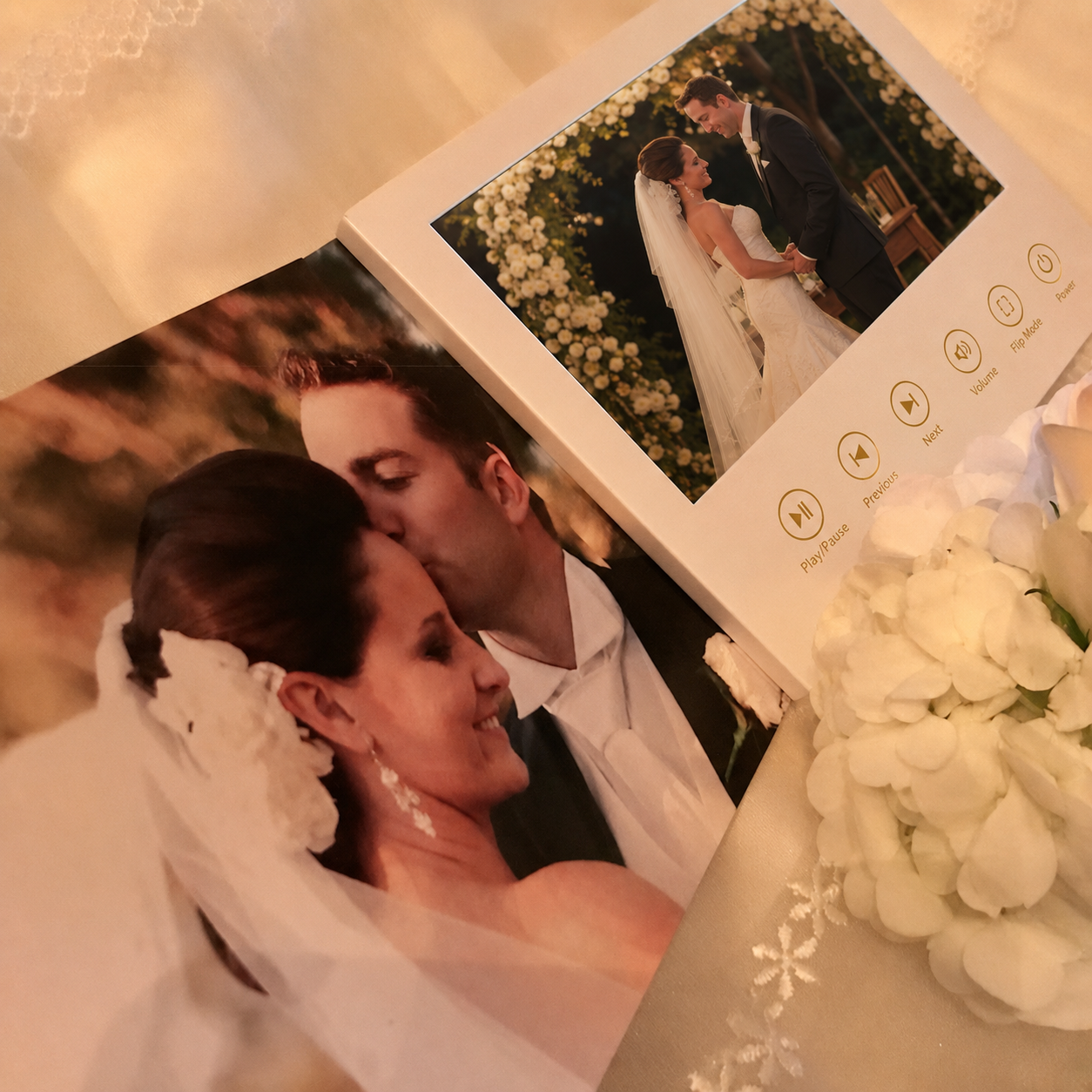
The video book includes seven easy-to-use buttons:
1. Play and pause
2. Previous video
3. Next video
4. Volume down
5. Volume up
6. Rotation
7. Power
The rotation button changes the screen orientation so vertical social media videos can be viewed without turning the entire book.
HOW IT WORKS
1. Connect the included USB cable to your computer.
2. Load your compatible wedding videos and photos onto the video book.
3. Disconnect the cable after the files have finished transferring.
4. Open the video book and your memories will begin playing automatically.
5. Press the rotation button when viewing a vertical 9:16 video.
Files can be removed or replaced so the video book can be updated with anniversary videos, family memories or future celebrations.
VIDEO RECOMMENDATIONS
For the best viewing experience:
• Use horizontal files for standard landscape playback.
• Use vertical 9:16 files with the rotation feature.
• MP4 video files are recommended.
• Use high-quality videos with clear sound.
• Keep important faces and wording near the center of vertical videos.
• Review all files before loading them onto the device.
The amount of video the book can hold depends on the length, resolution and file size of each video.
WHAT IS INCLUDED
• One white A5 video book
• 7-inch HD IPS screen
• 512MB of internal memory
• Seven gold-foil buttons
• Dedicated rotation button
• Rechargeable battery
• USB charging and file-loading cable
This version is supplied in white with no customized or printed cover.
PERFECT FOR
• Wedding video delivery
• “Our Wedding” keepsake
• Anniversary gift
• Engagement gift
• Newlywed gift
• Wedding videographer presentation
• Parent wedding gift
• First-anniversary gift
• Proposal memories
• Bridal shower gift
• Memorial video keepsake
PLEASE NOTE
This product has 512MB of internal memory. Video capacity will vary depending on file size, duration and resolution.
The rotation button changes the orientation of the content displayed on the screen. Videos should be prepared in the proper horizontal or vertical format before loading.
Colors may appear slightly different depending on screen settings, lighting and photography.

Reviews
There are no reviews yet.